On November 25, 1Password published a short blog post with a reassuring headline message: “At no time were customer vault contents accessed by, or available to, the attacker.”[1]
That sentence is very likely true. 1Password’s encryption design is good, and nothing reported so far suggests otherwise. But it answers the question people are trained to ask (“were my passwords stolen?”) and not the question that matters for what comes next: what did the attacker get, and what can they do with it?
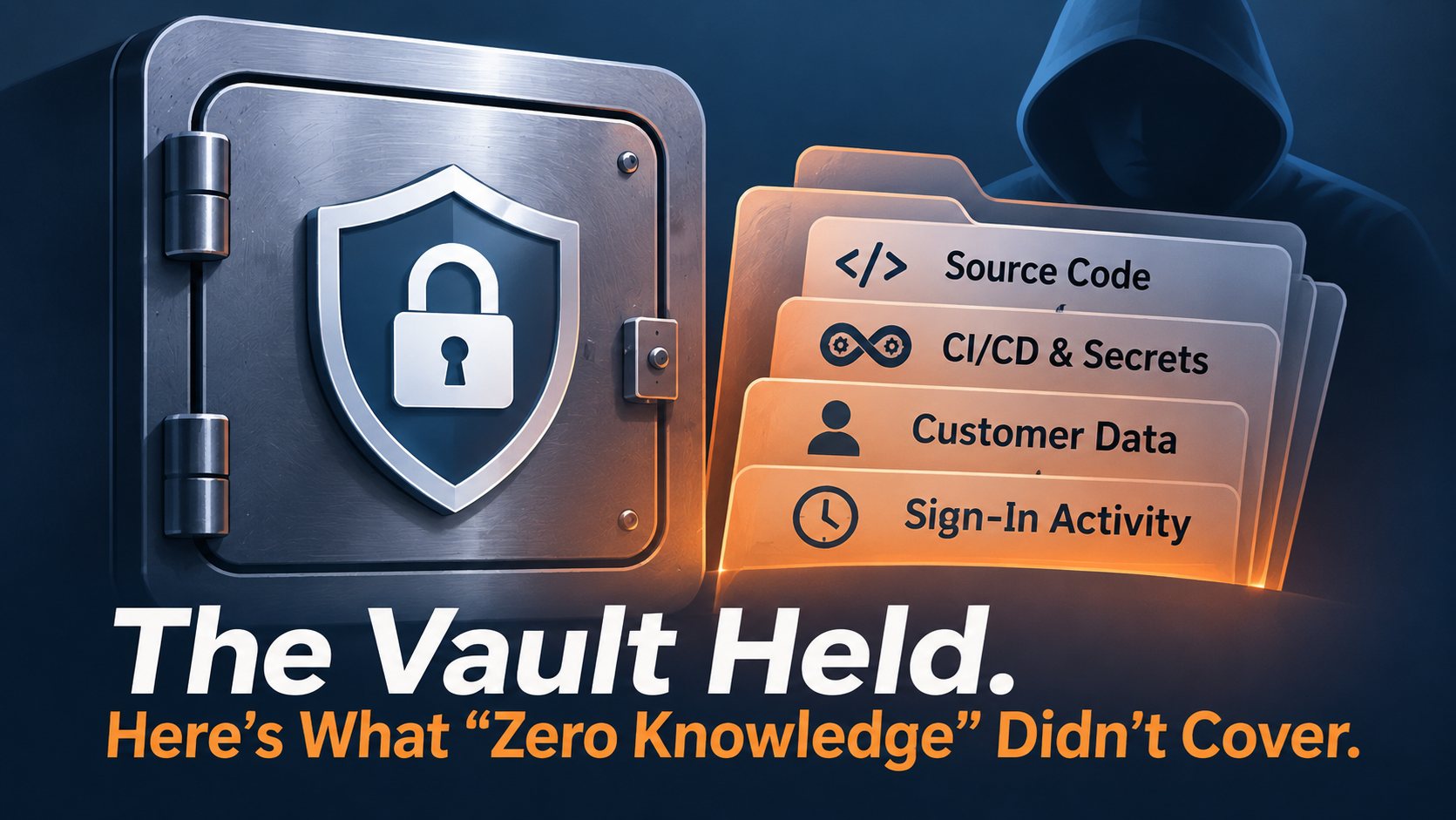
The answer is: quite a lot, and most of it is the kind of thing “zero knowledge” was never designed to protect.
What happened in the 1Password breach
Here is what 1Password has disclosed, and nothing more:
- November 19, 2026: 1Password “began investigating indications that an attacker gained access to an employee’s corporate GitHub account.”[1] The company has not said when the attacker first got in, or how the account was compromised.[2][3]
- The attacker used that account “to access source code and push malicious code to backend services, which downloaded administrative data pertaining to our customers.”[1]
- The attacker “also copied source code from private repositories and gained access to our CI/CD system.” 1Password notes that its “CI/CD contains infrastructure related secrets in order for our product to work,” and says it rotated all credentials that may have been exposed.[1]
- November 25, 2026: public disclosure, six days after the investigation began.[1][4]
The customer records taken, for “a subset of our users” (no count has been given):[1][2][3]
- Names and email addresses
- Account and user identifiers, account creation dates and last sign-in times
- Public keys
- Secure Remote Password (SRP) protocol parameters, which 1Password says “cannot be used to access your account”
- Tokens from emailed invitation, provisioning and account recovery links (for “a small number of users”)
- Other non-secret metadata, such as version and file numeric identifiers
What 1Password says was not touched: vault contents, the keys that protect vaults, account recovery keys, and the apps and browser extensions.[1] Its advice to customers: no action needed, and watch for phishing.[1]
What “zero knowledge” actually means
“Zero knowledge” is a promise about one thing: the contents of your vault. Your items are encrypted on your device with keys the company never sees, so a server breach yields ciphertext, not passwords. 1Password’s design combines your password with a Secret Key that “has 128 bits of entropy” and is “never sent to us,”[13] which is a big part of why a stolen copy of its server data is far less useful to an attacker than LastPass’s was.
That promise held. But look at what sits outside it:
| Zero knowledge protects | Zero knowledge does not protect |
|---|---|
| Your passwords, notes and other vault items | Who you are: your name and email |
| The keys that decrypt them | That you are a customer of a password manager |
| When you last signed in and when you joined | |
| The company’s source code | |
| The build and deploy pipeline (CI/CD) and its secrets | |
| The servers’ behavior: the attacker pushed code to them |
Every row on the right was in scope for this breach. None of it is a “vault,” so none of it is covered by the headline.
Why what they got is as bad as vault data, or worse
This sounds like an exaggeration until you think about what each piece is for.
1. A target list that verifies itself. A list of names and emails is cheap. A list of names and emails of people who pay for a password manager, with the date they last signed in, is not. It tells an attacker who is security-conscious, who probably has something worth protecting, and who is actively using the product (so a “your account needs attention” email will look plausible). 1Password itself warns of “unexpected emails, texts or calls that mention 1Password, invitations, or account recovery attempts.”[1] A phishing campaign that opens with your real name, the right product and a believable account date is a very different thing from spam.
2. Vault data is encrypted. Source code is not. If an attacker steals your vault, they still have to break the encryption. If they steal the source code, there is nothing to break. They can read it at their leisure, offline, for as long as they like. 1Password says its “source code is not customer data, and contains no user secrets.”[1] That is true and beside the point. Source code is the map of every place the product could be wrong.
3. You can rotate a password. You can’t rotate your source code. 1Password rotated its infrastructure credentials and lengthened recovery codes from six digits to ten characters.[1] Those are the right moves. But the knowledge of how the system works, how the backend services talk to each other, how the CI/CD pipeline is put together, and where the edge cases are, is now in someone else’s hands permanently. There is no “revoke” button for that.
4. They could change what the servers did. This is the part of the disclosure that deserves more attention than it got. The attacker didn’t just read data. They pushed malicious code to backend services, and those services then pulled customer data for them.[1] 1Password says apps and extensions were not affected and clean versions of the services were restored.[1][2] But the attack demonstrates the real threat model: in a cloud service, whoever controls the deploy pipeline controls what the service does. Encryption at rest doesn’t help you if the code handling your data has been replaced.
For an individual customer today, the risk is mostly phishing. For the product, the risk is long-term: everything an attacker needs to plan the next attack.
We have seen this movie. It was called LastPass.
The LastPass breach of 2022 started almost exactly the same way, and it is the best guide we have to what happens next.
- August 2022: an attacker compromised a LastPass developer’s laptop and downloaded 14 source code repositories and technical documentation.[5] LastPass told customers it had “seen no evidence” that customer data or vaults were accessed.[5] That was true at the time.
- Days later: the attacker used what they had learned to target a senior DevOps engineer, one of a handful of people with keys to the backups. They got in through an unpatched Plex media server on the engineer’s home computer, installed a keylogger, and captured the master password to his work vault.[5]
- August to September 2022: with those keys, the attacker downloaded the customer database and vault backups.[5] Those backups held encrypted passwords, but also unencrypted website URLs, names, emails and billing addresses.[5]
- December 2022: LastPass finally disclosed that customer vaults had been taken.[5]
Then it kept giving.
- 2023: researchers linked crypto thefts from more than 150 victims, totaling over $35 million, to seed phrases stored in stolen LastPass vaults.[5]
- 2025: federal investigators linked a $150 million cyberheist to the 2022 hack.[5]
- Late 2024 to late 2025: TRM Labs traced another $35 million+ in stolen crypto to the breach, laundered through mixers and Russian exchanges, with wallets still being drained as recently as October 2025.[6][7]
- December 2025: the UK Information Commissioner’s Office fined LastPass £1.2 million.[5][8] A US class action settled for $24.5 million.[5]
Three years and counting from one stolen developer laptop. The source code was not the prize. It was the reconnaissance. (We covered the full LastPass story in Is LastPass Safe? The Breach That Keeps On Taking.)
Reading the pattern forward
The two incidents are not the same. LastPass lost the vaults. 1Password, by its own account, did not, and its Secret Key design makes stolen vault data far harder to crack even if it ever were taken. Credit where it’s due.
But the opening move is nearly identical: source code and engineering access first. In LastPass’s case, the follow-up attack came within days and the losses kept arriving for years. If the pattern holds, here is what to watch for:
- Targeted phishing using the stolen roster. This is the near-certain one, and 1Password is already warning about it.[1] Expect emails and calls that reference your real name, real account and real recovery flows.
- Targeting of individual engineers. LastPass’s attacker went after the specific people with the keys. A copy of the source code and CI/CD configuration tells you who those people are and what their access looks like.
- Vulnerabilities found in the stolen code. This is the one that is different in 2026, and it’s the biggest unknown.
What AI does with a stolen codebase
In 2022, turning 14 stolen repositories into working exploits required skilled humans and a lot of time. That is no longer true.
- In May 2025, a researcher used an OpenAI model to find a remote zero-day in the Linux kernel’s SMB implementation (CVE-2025-37899).[9]
- In August 2025, Google announced its Big Sleep AI agent had found and reported 20 vulnerabilities in popular open-source projects, each “found and reproduced by the AI agent without human intervention.”[10]
- In January 2026, OpenSSL, one of the most heavily audited codebases on earth, shipped a release fixing twelve zero-days. The security firm AISLE says its AI system made “the original discovery of all twelve,” including a high-severity buffer overflow and three bugs that had been in the code since 1998 to 2000.[11]
- DARPA’s AI Cyber Challenge finalists detected 86% of planted vulnerabilities in the final round, up from 37% a year earlier.[9]
- In May 2026, Google’s Threat Intelligence Group reported what it believes is the first zero-day exploit developed with AI, built by a criminal group planning mass exploitation, and described state-backed groups using AI models to analyze vulnerabilities and validate exploits.[12]
Now put those together. An attacker holding a password manager’s private repositories doesn’t need to hire a team of auditors. They can point AI models at the code, offline, with no rate limits, no bug bounty rules and no disclosure deadline, and ask the same questions a defender would: where does untrusted input reach the server, how does the recovery flow handle edge cases, what does the CI/CD pipeline trust?
The defender has the same tools, of course, and 1Password has excellent engineers. But it’s an asymmetry: the defender has to find and fix every bug, and the attacker only has to find one, in code they now get to study for as long as they want. The LastPass fallout ran for three years with human-speed analysis. We don’t yet know what the timeline looks like at machine speed.
What to do
If you use 1Password:
- Follow 1Password’s advice. No account change is required. Treat any unexpected email, text or call about your account, invitations or recovery as hostile, and go to the app or type the address yourself. 1Password “will never contact you to ask for your account password or Secret Key.”[1]
- Watch for future disclosures. 1Password says it will update its post if anything changes.[1] LastPass’s first statement was also accurate when it was made.
- Think about what’s in your vault. The LastPass victims who lost the most had crypto seed phrases stored in their vaults.[5][6] Some secrets don’t belong in any cloud-synced service.
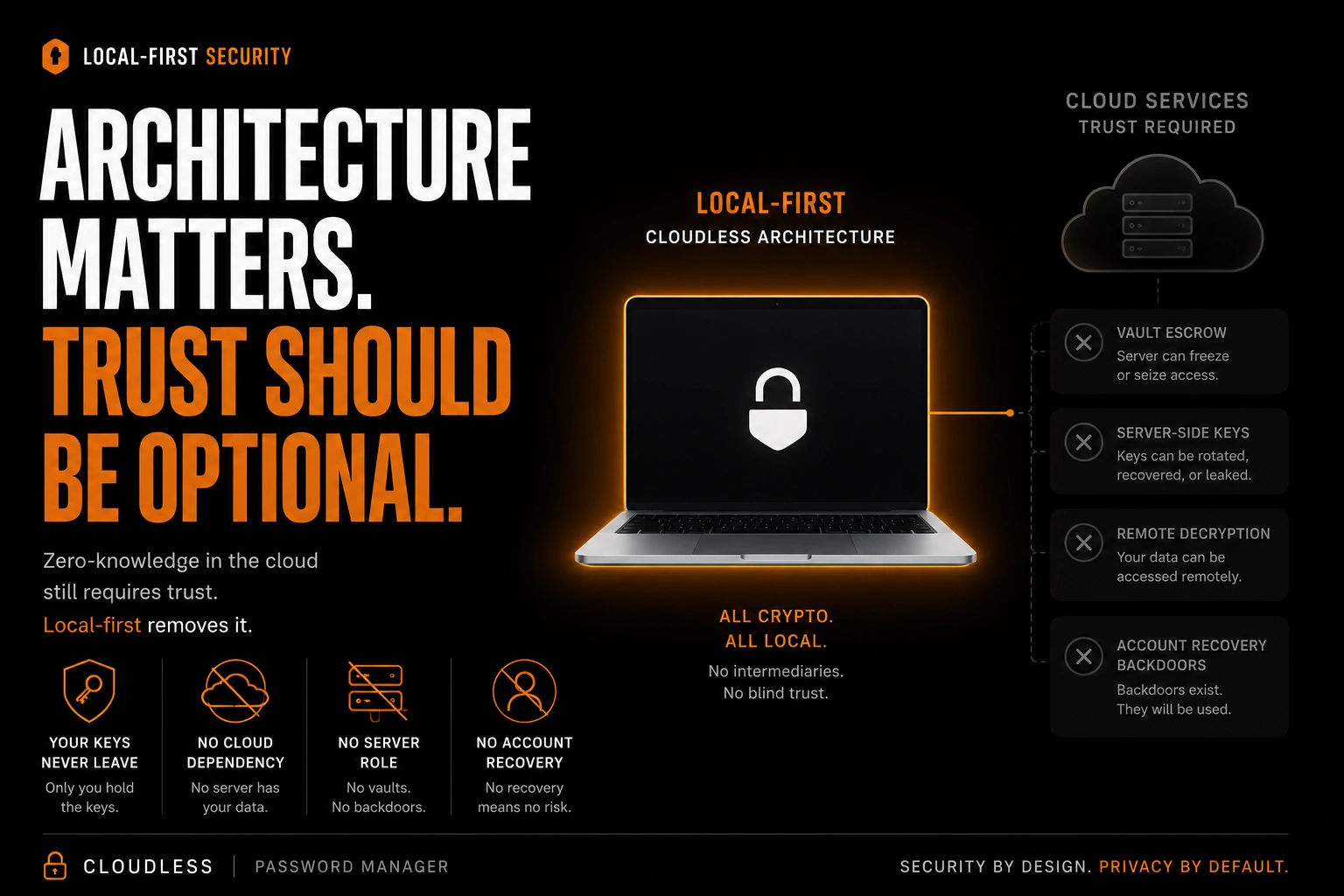
And for everyone, the larger lesson: “zero knowledge” describes how a vault is encrypted, not how much of you lives on someone else’s servers. Your identity, your account history, and the code that touches your data are all still there. The only way to keep those out of the next breach is for them not to be on a server in the first place.
That’s the idea behind local-first software, and it’s why we built Stellar to keep your vault on your own devices instead of on our servers. For a look at how the LastPass breach unfolded, read Is LastPass Safe?, and for the case for keeping your vault local, Why Zero-Knowledge Encryption Is Not Enough.